Infinity Nikki Steam Deck Optimization Guide for Smooth Play
Infinity Nikki, a cozy gacha dress-up game, impressively runs smoothly on handheld devices like Steam Deck with optimized settings, offering a delightful, portable gaming experience.
Infinity Nikki, the cozy gacha dress-up game, has quickly become a favorite among players seeking a relaxing escape, especially on handheld devices like the Steam Deck. Despite its charming visuals and engaging mechanics, the game isn't officially verified for Steam Deck as of 2025, leaving many wondering if it's even playable on these portable PCs. From a player's perspective, it's astonishing how well this seemingly light-hearted title pushes hardware limits—its vibrant worlds and intricate outfits demand more power than one might expect, making it a surprisingly heavy hitter in the cozy gaming scene. Yet, the beauty lies in its scalability; with the right tweaks, it runs smoothly, transforming any handheld session into a delightful adventure without compromising the aesthetic charm that drew us in. Players often share how Infinity Nikki feels tailor-made for quick play sessions on the go, whether during commutes or lazy afternoons, proving that even unverified games can shine with a bit of optimization magic. 😊
Diving deeper into the performance, Infinity Nikki's system requirements are notably beefier than similar gacha titles, which might catch fans off guard. For instance, its minimum specs require more RAM and GPU power, leading to occasional stutters on default settings. But fear not—through trial and error, the community has uncovered settings that strike a perfect balance between visual fidelity and fluid gameplay. On handheld devices like the Steam Deck or ROG Ally, these optimized configurations ensure the game doesn't just work; it thrives, maintaining a stable frame rate while preserving the game's enchanting essence. Here's a quick rundown of the best settings to use, based on extensive testing:
| Setting | Recommended Value | Why It Works |
|---|---|---|
| Screen Resolution | 1280x800 | Keeps visuals sharp without taxing the GPU too much. |
| Frame Rate | 60 (or capped lower) | Ensures smooth motion; players can adjust for efficiency. |
| Scene Details | Medium | Balances detail and performance for immersive worlds. |
| Anti-Aliasing | Temporal Super Resolution | Reduces jagged edges without heavy processing. |
| Post-Processing | Low | Minimizes effects that cause slowdowns in busy scenes. |
| Motion Blur | Off | Prevents blur that can distract during fast-paced moments. |
This setup is essentially a refined version of the medium preset, with minor adjustments to eliminate hiccups. With these, Infinity Nikki typically hovers near 60 FPS, though it might dip slightly in crowded areas—nothing too jarring, though. For a more consistent experience, capping at 40 FPS emerges as the sweet spot, offering the best of both worlds: smoother animations and preserved graphics that make every outfit change feel magical. 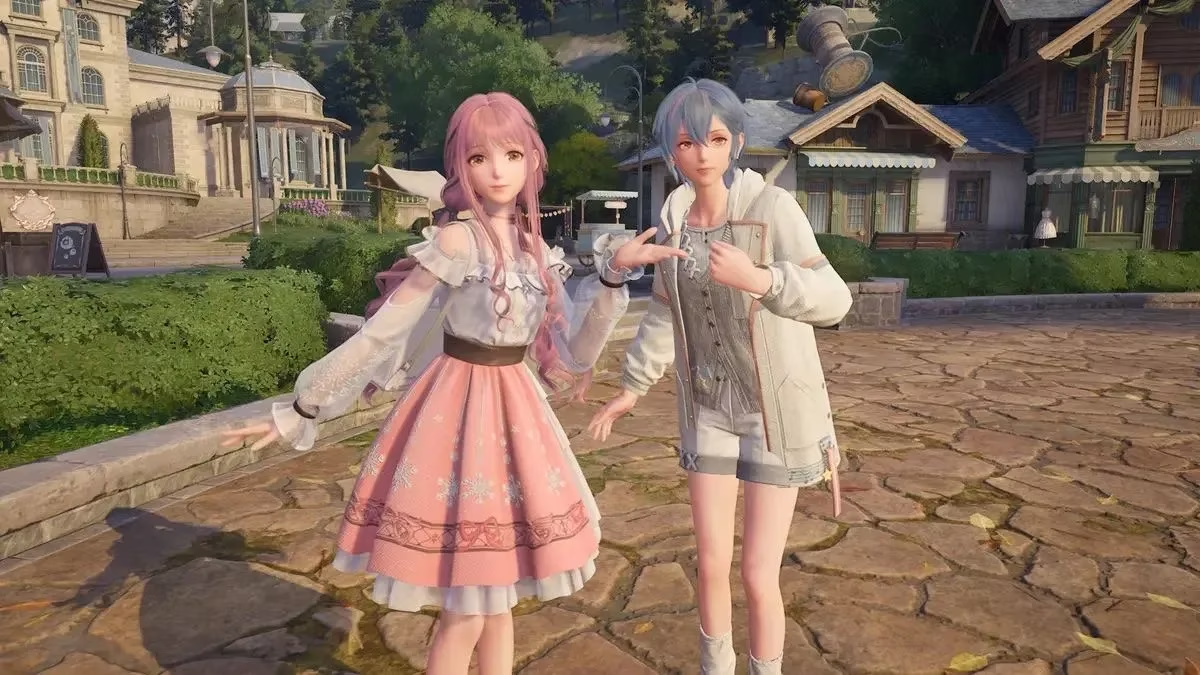
Achieving that coveted 40 FPS mode is simpler than it sounds and transforms the gameplay entirely. Players might find it a game-changer, as it reduces battery drain while keeping visuals crisp—a win-win for portable fun. To enable it on the Steam Deck, just follow these steps: First, dive into the system settings and activate developer mode by going to Settings > System > Enable Developer Mode. Then, scroll to the Developer section and toggle on 'Allow external display refresh control.' Once that's done, while playing Infinity Nikki, press the three dots button to open the quick menu. From there, set the Frame Limit to 40 FPS (40 Hz), and voilà—stable, silky-smooth performance awaits.
With Infinity Nikki now directly available on Steam as of 2025, Steam Deck owners can rejoice; no more juggling extra launchers or complicated setups. This integration makes hopping into daily missions or events a breeze, fostering a sense of community as players share their optimized journeys. From my observations, this accessibility has revitalized the game's appeal, making it a go-to for cozy gaming enthusiasts who crave both style and substance. So, why not fine-tune your settings and dive in? Embrace the magic of Infinity Nikki on your handheld today—unlock smoother play and rediscover the joy of dressing up in style! ✨