Wuthering Waves Cross Platform Support Overview
Wuthering Waves cross platform and cross-progression in 2026 deliver seamless play on PC, mobile, PS5, and Xbox for ultimate gaming freedom.
If you just want the quick answer: yes, Wuthering Waves is cross platform in 2026. Kuro Games’ action RPG now supports cross-play and cross-progression across PC, mobile, PS5, and Xbox Series X|S, so you can play with friends on different hardware and keep the same account progress between devices. The only real catches are server region restrictions and a few storefront-related purchase quirks.
Is Wuthering Waves Cross Platform in 2026
Yes, Wuthering Waves is fully cross platform in 2026. Crossplay and cross-save are both supported across every active version of the game. So whether you’re on PC, mobile, PS5, or the newly added Xbox Series X|S, you can team up on the same servers, run around Solaris-3 in co-op, and keep your Resonators, Echo builds, and story progress without having to restart.
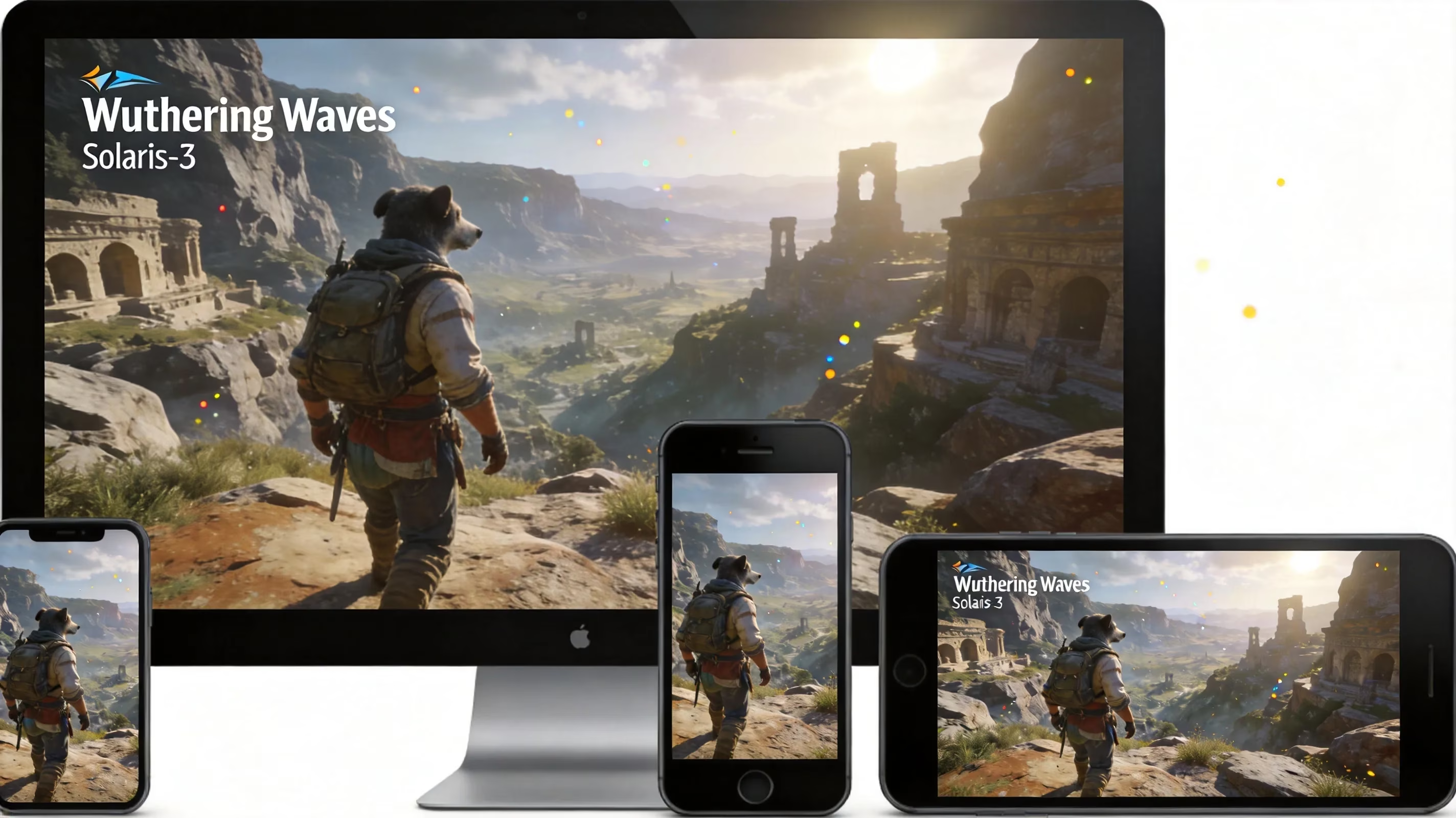
Crossplay is turned on automatically. Once you choose a server region during account setup, you’re placed into the same backend ecosystem as everyone else in that region, no matter if you’re logging in from Windows, iPhone, Android, PS5, or Xbox. There’s no separate toggle to enable it, which honestly makes the whole thing much smoother.
Cross-progression works the same way. Your progress is stored on Kuro Games’ servers and attached to your Kuro account, not locked to one specific platform profile. So if you hit Union Level 45 and pull a five-star Resonator on PS5, that same account data will be there when you sign in on PC or Xbox.
There is one big limitation, though: region lock. Wuthering Waves uses separate server regions like North America, Europe, Asia, and Southeast Asia, and your progress stays inside the region where the character was created. If your Rover started on Asia, you can’t move that save over to North America, and as of mid-2026, there’s still no official server transfer tool.
Wuthering Waves Supported Platforms List
By 2026, Wuthering Waves has spread across a pretty wide range of platforms. Here’s the full platform rollout at a glance:
| Platform | Launch Date | Notes |
|---|---|---|
| PC (Windows, Official Launcher) | May 22, 2024 | Epic Games Store also supported |
| iOS & Android | May 22, 2024 | App Store and Google Play |
| PlayStation 5 | January 2, 2025 | Launched alongside Version 2.0 |
| PC (Steam) | April 29, 2025 | Full Steam Deck compatibility |
| macOS | March 27, 2025 | Native Mac client |
| Xbox Series X|S & Xbox on PC | July 27, 2026 | Play Anywhere title; Xbox Cloud Gaming included |
The Xbox launch on July 27, 2026 was basically the final piece of Kuro’s long platform expansion push. Based on the technical details shared before release, Xbox Series X targets a stable 60 FPS, while Series S runs at 30 FPS. The iOS version is also compatible with Apple Vision Pro. On the other hand, the game still isn’t available on PS4, Nintendo Switch, or older Xbox One systems.
As for PS5, it arrived as a proper full-featured version rather than a stripped-back port. It supports 4K output, 7.1 surround sound, and DualSense haptics, and it has stayed in full content parity with the PC version ever since Version 2.0.
Wuthering Waves Cross Progression Setup
Getting cross-progression working in Wuthering Waves really comes down to one thing: your Kuro Games account. Unlike games that save progress directly to PlayStation, Xbox, Steam, or mobile storefront accounts, WuWa stores everything on Kuro’s own servers. Your platform login is basically just the key that opens the door to that main account.
The most important rule is simple: link your account before making a new character on a second platform. If you install the game on Xbox, PS5, or another device and jump in without linking your existing Kuro account first, the game may create a fresh character there. Once that happens, merging saves is not natively supported, and fixing it usually means contacting support with no guaranteed recovery. The safest move is to open the User Center in settings, connect the new platform account to your existing Kuro account, and only then start playing.
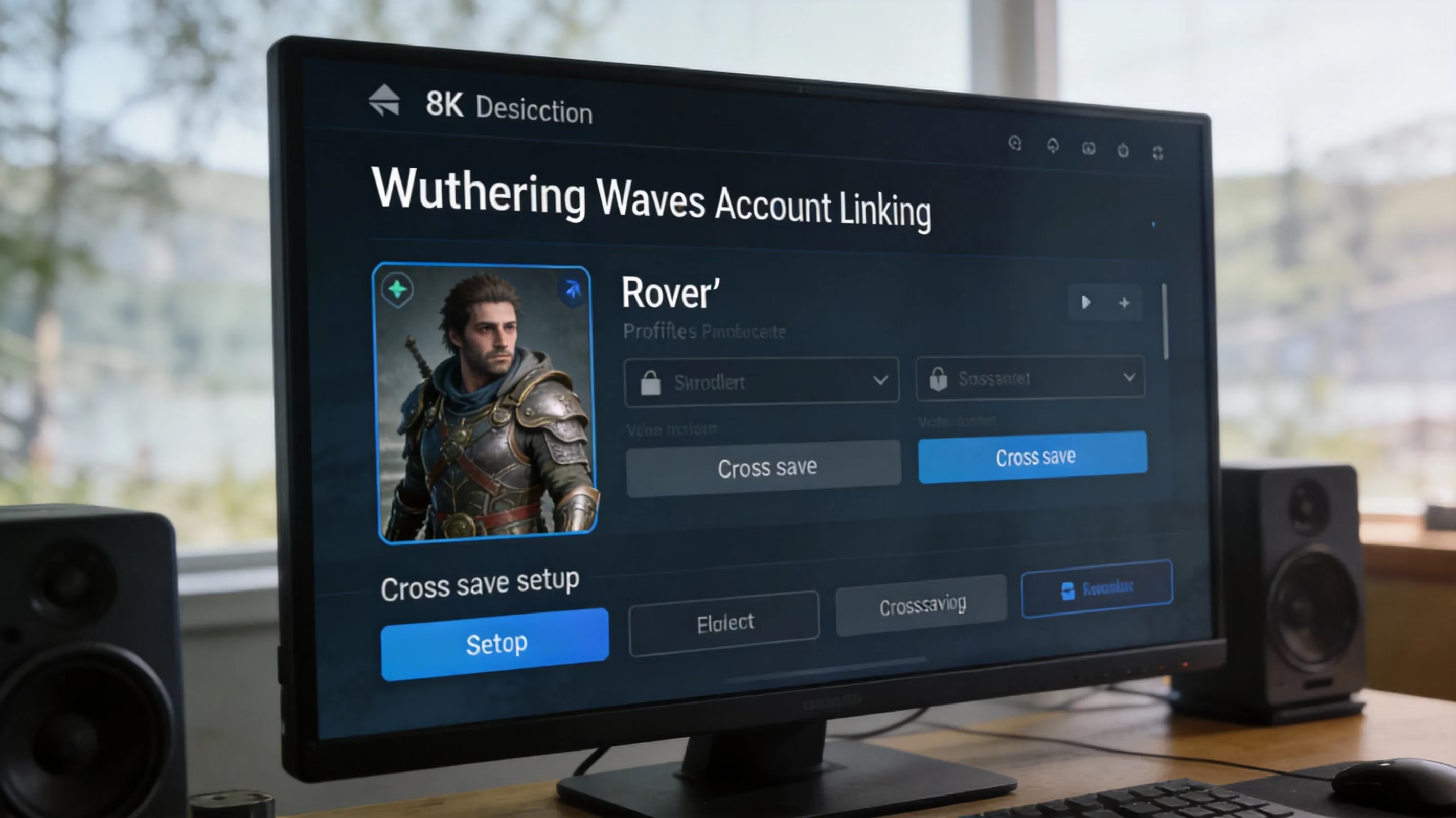
You also need to be on the same server region. If your main account was created on Europe, you must select Europe again when logging in on a new device. If you accidentally choose North America or Asia, the game will show what looks like an empty account even though you used the correct Kuro login. After you confirm the right region and sign in, your cloud save should sync automatically. It’s a good idea to wait until that sync fully finishes before doing anything, especially right after major patches like Version 3.2 or 3.3.
Wuthering Waves Crossplay Limits and Restrictions
Wuthering Waves handles cross-platform support better than a lot of gacha RPGs, but it’s not completely without limits. There are a few things you’ll want to keep in mind before you start bouncing between devices.
-
No cross-server transfers: If you’ve invested your time and Astrite into an Asia account, you can’t move that progress to North America. Kuro Games still treats the original region choice as permanent, and there’s been no official server transfer feature announced as of mid-2026.
-
Purchases have platform caveats: Buying Astrite, Lunite, or tide currency through the PlayStation Store, App Store, Google Play, Xbox Store, or Steam Wallet involves that storefront’s own billing system. The Kuro account is shared, but the purchase source still matters for entitlement and tax reasons. Once the currency is credited in-game, though, it can be used across platforms.
-
Co-op has built-in progression limits: You can explore the open world and fight bosses with up to three players, but everyone has to be on the same server region. Cross-platform doesn’t override region separation. Also, some story quests and puzzle interactions remain single-player only.
-
Version mismatch checks exist: When a new patch goes live—like Version 3.2 on March 19, 2026, or Version 3.3 on April 30, 2026—different platforms can sometimes receive the update at slightly different times because of certification or rollout timing. If one player is on a newer version and another isn’t, matchmaking and invites won’t work until both clients match. Usually, these gaps only last a few hours.
Wuthering Waves Xbox Cross Platform Details
The Xbox version was officially confirmed during the Xbox Partner Preview on March 26, 2026, with launch set for July 27, 2026. Kuro Games said the release would cover Xbox Series X|S, Xbox on PC through the Microsoft Store, and Xbox Cloud Gaming, which is a pretty broad rollout for a third-party live-service game.
One of the more important details is that WuWa launched as a Play Anywhere title. That matters a lot if you plan to move between Xbox console and Windows PC inside Microsoft’s ecosystem. In practice, it means premium content bought through the Microsoft Store is shared between Xbox and the Xbox app on PC, while save syncing benefits from Xbox cloud support on top of Kuro’s own server-side save system. If you own both an Xbox Series X and a gaming PC, the handoff between those two setups should feel especially seamless.
There’s also the Xbox Game Pass angle. Kuro confirmed during the Partner Preview that Game Pass subscribers would get exclusive in-game benefits at launch. At the time of the announcement, the exact rewards hadn’t been fully detailed yet, so whether that means skins, Astrite, cosmetics, or something else was still to be clarified closer to release.
Xbox Cloud Gaming support is another nice bonus. Players without an Xbox console or a strong Windows PC can stream the game through a Game Pass Ultimate subscription, which lowers the hardware barrier quite a bit. It also gives mobile users another way to access the game through a browser, alongside the already available native iOS and Android versions.

Wuthering Waves Cross Platform FAQ
Account Linking
Will linking a new platform overwrite my existing save? No, as long as you link the platform before creating a new character on that device. If the account connection is done properly through the Kuro account system, your existing save should load normally. The real danger only shows up if a new character is created first, which can create a conflicting save state.
What happens if the wrong Kuro account is linked? Honestly, this is one of the worst mistakes you can make during setup. If your PlayStation or Xbox account gets linked to the wrong Kuro account—especially an empty one—you’ll load into a fresh Level 1 character instead of your real progress. Support may be able to review the case, but restoration is not guaranteed, and unlink requests are handled at Kuro’s discretion. Taking screenshots of the linking confirmation page is a smart precaution.
Can a Kuro account be unlinked from a platform? Yes, but not instantly. Unlinking has to go through Kuro support, and there may be cooldown periods or additional checks involved. If you need to move a platform credential, like swapping from an old PlayStation account to a new one, it’s best to contact support directly instead of trying to force a workaround.
Cross-Save Problems
Save not appearing on a new device usually comes down to one of two things: either the wrong server region was selected, or the cloud save hadn’t fully synced before the previous session ended. The usual fix is to go back to the title screen, double-check the region, and wait for the sync process to finish. If everything looks right and the save still doesn’t show up, fully closing and reopening the game often forces a fresh sync.
Server mismatch is the other common issue. Players with accounts across multiple regions can easily pick the wrong one on a new device without realizing it. Since each region has its own separate account database, the game won’t throw a big warning—it’ll just show what looks like a blank account. In most cases, the fix is simply to return to the title screen and switch to the correct region.
Update sync delay can also happen right after a major patch. Kuro sometimes staggers updates across platforms to manage rollout and server load, so there may be a short period where one device has Version 3.3 and another hasn’t updated yet. During that window, cloud sync for the account may pause temporarily. Waiting for all devices to finish updating and then relaunching the game cleanly usually solves it.
Platform Choice
Best platform by use case really depends on how you play. PC through the official launcher or Steam gives you the best visual settings overall, and Version 3.2 added adjustable render distance options like Far and Farthest that consoles don’t currently offer. PS5 is great if you want a polished couch setup with 4K output and DualSense support. Xbox Series X is right there with PS5 on performance targets, and Play Anywhere gives it extra pull if you split your time between console and Windows PC.
Mobile is still the easiest entry point for a lot of players, and Kuro has kept improving it. Version 3.2 added a High Quality graphics preset for devices using Snapdragon 8 Elite, Snapdragon 8s Gen 4, MediaTek Dimensity 9400, or newer chips. For quick dailies, event check-ins, and shorter exploration sessions, mobile makes a lot of sense as a companion platform even if PC or console is your main setup.
Should new players start now or wait for Xbox? There’s really no reason to wait. Since is wuthering waves cross platform has a clear yes answer, any progress you make on PC, PS5, or mobile now will carry over to Xbox once the July 27, 2026 version goes live. That means you can start building your Rover account immediately and head into Xbox launch with a stronger roster. And with the Version 3.3 update arriving April 30, 2026—bringing the Dimmr Plains region, Resonators Hiyuki and Denia, plus second anniversary rewards worth up to 40 free pulls—starting early is pretty much the best play.