Wuthering Waves Modding Guide and Cosmetic Mods Overview
Discover how to mod Wuthering Waves safely with top tools and expert tips for client-side cosmetic mods, ensuring a risk-free experience in 2026.
Kuro Games' open-world action RPG has turned into one of the most heavily modded games in the gacha space, so it makes sense that more players are looking up how to mod Wuthering Waves going into 2026. The reality check, though, is pretty simple: almost all WuWa modding is client-side visual stuff — character skins, texture swaps, model edits — not gameplay changes. That distinction matters a lot, because the moment you move from cosmetic injection into cheat-like behavior, you're stepping straight into ban-risk territory.
How to Mod Wuthering Waves Safely
If you only remember one rule, make it this: keep it cosmetic and keep it client-side. Kuro Games has not done blanket ban waves against cosmetic skin mod users the way some live-service games have, but its anti-cheat has gotten noticeably stricter throughout the 3.x patch cycle. Players using things like No Skill CD, damage multipliers, or speed hacks have been reporting suspensions more often, and that lines up with what's been discussed on Platinmods and WuWa community forums.
The practical safety line is fairly clear. Cosmetic tools like WWMI work at the graphics API layer and don't change server-validated game data, while stat edits and gameplay manipulation touch values Kuro can cross-check. Over time, that kind of detection is basically unavoidable.
If you're going to experiment, do it on a secondary account. Seriously. Don't test mods on a main account loaded with invested Resonators, signature weapons, and limited pulls you'd hate to lose. And before you install anything, back up the full game directory — especially the Wuthering Waves Game folder — because patch updates regularly break or overwrite files tied to the injector workflow.
Wuthering Waves Mod Tools and Setup
Right now, the WuWa PC modding setup revolves around two core tools: WWMI (Wuthering Waves Mod Injector) and RabbitFX. WWMI is the loader that injects mod assets into the game's rendering pipeline at runtime. RabbitFX handles the shader and texture side so model swaps actually display correctly in-engine instead of turning into visual garbage.
These two need to be on compatible versions. If WWMI and RabbitFX are out of sync, you'll usually see one of three things: mods fail to load, textures break, or the game renders the wrong assets. It's one of the most common setup mistakes, and honestly, it catches a lot of people after patch day.
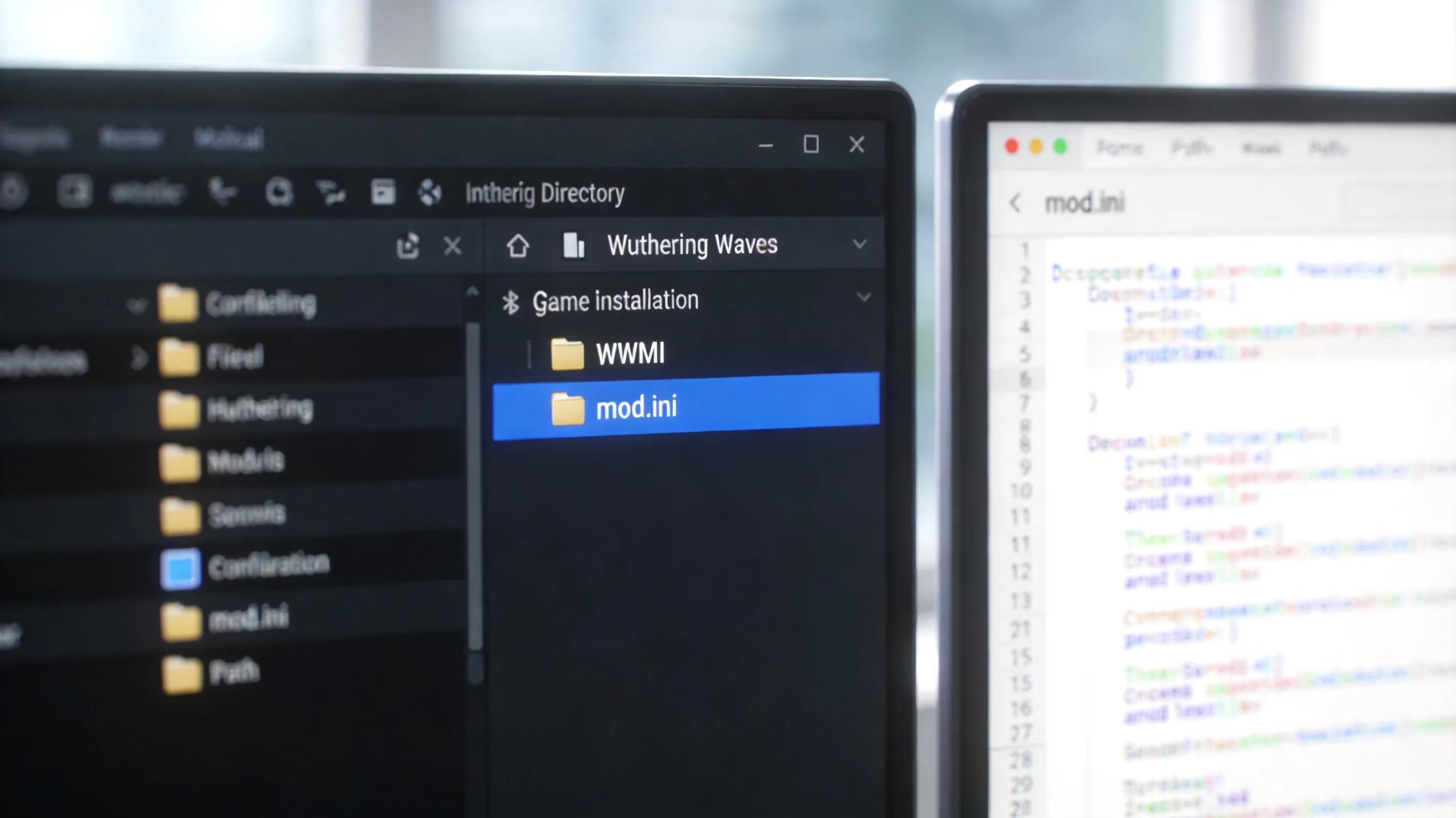
The folder structure is straightforward:
-
Modsis your main directory -
Each mod gets its own subfolder
-
Every mod folder needs at least a
mod.ini -
That
mod.inidefines draw call overrides and texture hashes
Version checking is the part you really can't skip. After basically any Wuthering Waves patch — and especially major 3.x updates — character model hash values can change. When that happens, older mod.ini files stop matching the current game build, so mods either fail silently or load with broken visuals.
For downloads, stick to sources the community actually trusts in 2026:
-
GameBanana for mod files:
gamebanana.com/games/wutheringwaves -
Official WWMI GitHub repository for the injector itself
Avoid random aggregator sites bundling mods with extra executables. Also, any "WuWa mod APK" claiming free currency, premium unlocks, or other nonsense is a scam at best and malware bait at worst.
| Tool | Function | Required Version Check |
|---|---|---|
| WWMI | Runtime mod injection / loader | Must match game patch version |
| RabbitFX | Shader and texture rendering pass | Must be updated alongside WWMI |
| WuWa Mod Woju Fixer | Post-patch mod.ini repair | v3.2.0.1+ for 3.x patches |
How to Install Wuthering Waves Mods
If you want to learn how to mod Wuthering Waves properly, installation order matters more than people expect. Most "my mod doesn't work" cases come down to two things: the loader wasn't enabled, or the game was launched the wrong way.
Here's the standard install flow:
-
Download and extract the latest WWMI release, then place the injector executable next to the game's main binary.
-
Open WWMI, enable the loader, and make sure RabbitFX is detected.
-
Put your mod folder — the one containing
mod.iniplus the texture or buffer files — inside theModsdirectory. -
Launch Wuthering Waves through WWMI, not through the normal launcher.
-
Go in-game, check the relevant character, and confirm the visual swap is actually active.
Load order also matters when you're stacking multiple mods on the same character or overlapping texture slots. WWMI reads mod folders alphabetically by default, so later-loading folders overwrite earlier ones. If you want control, name folders with prefixes like 01_SkinName, 02_TextureFix, and so on. Without that, two mods trying to override the same draw call usually end in partial corruption or a straight-up render mess.
Character Skin Mods
Character skin mods in Wuthering Waves use a model swap workflow. At the draw call level, the original Resonator mesh gets replaced, but the skeleton and animation rig stay the same. That means your replacement model has to match the original bone hierarchy, or combat animations will deform badly.
Texture replacement works through hash matching. Every texture slot has its own hash, and the mod.ini tells the game which DDS file should replace which original asset. It sounds technical, but in practice it just means the mod package needs the right hashes or nothing lines up.
Compatibility is also character-specific. A skin made for Carlotta will not just "sort of work" on Camellya because they look close enough. Their draw call signatures are different, so the mod has to be built for that exact Resonator.
Patch Fix Workflow
This is where a lot of mods die after updates. Major Wuthering Waves patches often change model hashes, and once that happens, older mod.ini files point to values that no longer exist. The result is usually a silent failure: the mod just stops showing up.
That's why WuWa Mod Woju Fixer matters. It's available on GitHub at Woju25/WuWa_MOD_WojuFixer, and as of March 2026 the latest release is v3.2.0.1. The tool scans your mod folder, finds outdated hash entries, and rewrites the mod.ini to match the current game values. It also creates a backup before changing anything, which is exactly what you want when you're troubleshooting broken installs.
There's also an optional StableTextures toggle. This is for a different issue: texture pop-in at longer camera distances, where the modded skin looks fine up close but disappears or reverts once the game's LOD system kicks in. StableTextures adds extra render hints to help keep those textures persistent from farther away.
That said, don't expect miracles. Woju Fixer is explicitly described as a temporary solution until a full XXMI framework update lands, and it won't save every broken mod. Mods with unusual mod.ini naming or heavily layered custom textures can still fail even after a repair pass.
Wuthering Waves Mod Troubleshooting
The most common post-patch problem is still the simplest one: mods not showing up at all. Start with the basics. Check that WWMI is updated, confirm your mod.ini hashes are current with Woju Fixer, and make sure you launched the game through the injector instead of directly. If a mod worked before a patch and suddenly doesn't, hash invalidation is almost certainly the reason.
Texture pop-in and LOD issues are also common. You'll notice the modded character looks correct up close, then switches back to default textures when the camera pulls away. That's tied to how WWMI injects textures against the game's streaming system, and right now StableTextures is the main workaround.
Patch mismatch symptoms are a little messier. You might get the right geometry with the wrong textures, or correct textures mapped onto the wrong parts of the mesh. That usually points to a partially outdated mod.ini, not a completely dead mod.
Crashes and heavy stutter are usually conflict problems. Two mods fighting over the same draw call slots can tank stability fast. The quickest fix is to disable everything and re-enable mods one by one until the culprit shows itself. If the game still refuses to behave, roll back to the previous WWMI version or temporarily remove the entire Mods folder and start clean.
How to Create Wuthering Waves Mods
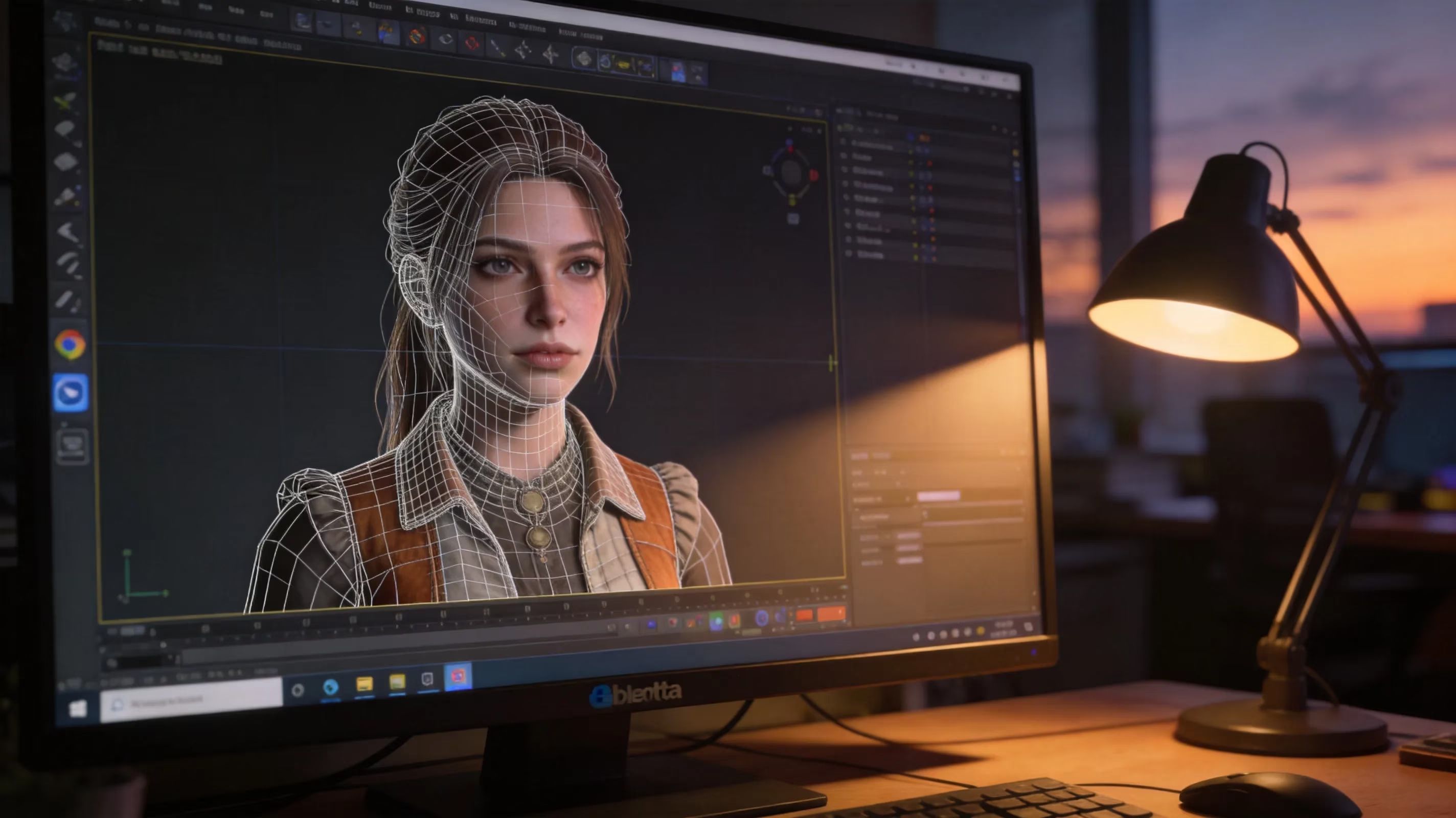
If you want to build your own mod from scratch, the usual pipeline starts in Blender with the WWMI Tools plugin. That plugin handles export formatting in the way WWMI expects, which saves a lot of manual cleanup later.
The process starts with mesh prep. Your replacement model needs to match the target character's vertex count and UV layout for the relevant LOD level, then it has to be rigged to the original skeleton using the same bone names. For textures, most creators work in Substance Painter or Photoshop, then export DDS files in BC7 or BC3 depending on whether alpha transparency is needed.
Carlotta is a common example because modders like working with her detailed costume. The workflow usually goes like this:
-
Use WWMI dump mode during a live game session to extract Carlotta's base mesh.
-
Import the extracted buffers into Blender.
-
Make your design edits while preserving the original vertex count and rig weights.
-
Export through WWMI Tools.
-
Let the exporter generate a
mod.iniwith the correct hash entries.
Testing matters more than people think. Always test a new mod with every other mod disabled first, otherwise you won't know whether the issue is your own draw call definitions or a conflict from somewhere else. Once the mod is stable, the usual sharing route is GameBanana, with a clear note about the target game version and any compatibility limits.
Wuthering Waves Mod FAQ
Is modding bannable?
Cosmetic client-side mods through WWMI have not been part of confirmed Kuro Games ban waves as of early 2026. Still, Kuro has never officially approved modding, and any injection-based tool carries some risk. Gameplay-altering mods like speed hacks, damage edits, or cooldown removal are much riskier and have a well-documented suspension history throughout the 3.x patch cycle. If you use mods on a main account, you're accepting that risk yourself.
Can other players see mods?
No. WuWa mods are client-side visual changes only. In co-op or open-world encounters, other players still see the default character model. Only your client shows the replacement skin.
What is the Android mod APK difference?
Android "mod APKs" on sites like HappyMod and Modosaka are a completely different thing from PC cosmetic mods. They modify or replace the game's APK and usually advertise unlimited currency, no skill cooldowns, or similar cheat features. Those carry extremely high ban risk, often need root access for the more invasive methods like LSPosed modules, and a lot of them are outright scams or malware. They are not comparable to the WWMI-based cosmetic pipeline on PC.
Best sites for WuWa mods?
GameBanana is still the main place for vetted, community-reviewed WuWa mods. The WWMI GitHub page is the authoritative source for the injector framework. For patch compatibility discussion, players usually check r/WutheringWaves and r/WuwaUnfiltered.
Conclusion
If you're figuring out how to mod Wuthering Waves in 2026, the safest route is narrow but very clear: use WWMI and RabbitFX, download mods only from GameBanana, run Woju Fixer after major patches to keep mod.ini entries current, and do all of it on a secondary account. The cosmetic-only rule is not just a nice guideline — it's the practical line between relatively low-risk visual customization and the kind of gameplay modification that gets detected.
More than anything, WuWa modding is maintenance-heavy. Patch day is not a one-and-done setup; every update can break the hash values your installed mods depend on. If you go in with that mindset, the scene is actually pretty rewarding.