Wuthering Waves Multiplayer Features and Co-Op Guide
Wuthering Waves multiplayer lets you team up for epic co-op boss battles and Echo farming, with full cross-play and solo-first gameplay.
Yes — Wuthering Waves does have multiplayer, but there’s a catch. Kuro Games’ open-world action RPG lets you jump into online co-op with one other player at a time, so you can team up for boss fights, Echo farming, and general map exploration. That said, the game is still built very much like a solo-first experience, with multiplayer acting more like a useful extra layer than the main way you play. As of 2026, Wuthering Waves is available on PC (Windows, Steam, macOS), iOS, Android, and PlayStation 5, with Xbox Series X/S set for July 2026, and all of these versions support full cross-play and cross-progression through a linked Kuro Games account on the same regional server.

Is Wuthering Waves Multiplayer or Solo
If you're asking is Wuthering Waves multiplayer, the honest answer is yes — just not in the MMO sense. It’s an online-only game, so you need an internet connection the whole time, but you’re not sharing one giant persistent world with crowds of random players. Instead, you play in your own instanced world and can invite one friend into it through co-op.
That design choice matters a lot. Wuthering Waves pushes you through most of its major progression systems alone, especially early on. Main story chapters, tutorial content, and a large chunk of Resonator quest content are all locked to single-player, so even though the game is online, the core structure still feels personal and self-contained.
Union Level, which acts as your account-wide progression track, also leans heavily into solo play. You’ll mostly raise it by doing things like main quests, Tacet Fields, and daily commissions. Co-op helps with farming and combat efficiency, sure, but it’s not the main path for advancing your account.
Once you unlock co-op, you’re entering the host player’s world, not a shared neutral space. The guest brings their own Resonators, builds, and account progress, but the host’s exploration state, quest progress, and world status are what the session runs on. So if you're expecting a full “start together, do everything together” setup, that’s not really how Wuthering Waves handles multiplayer.
There’s also a hard unlock requirement: Union Level 22. Until you hit that point, multiplayer features stay unavailable.
Wuthering Waves Multiplayer Features
Wuthering Waves co-op is capped at two players total: one host and one guest. That limit applies across the board, whether you're farming Echoes, clearing bosses, or just roaming the map. There’s no larger party system, no four-player dungeon setup, and no raid-style content built around bigger groups.
One thing the game does really well is platform support. Cross-play works across every available version, so a PC player can join someone on PS5 or mobile without any weird extra steps, as long as both accounts are on the same regional server. Cross-progression is just as smooth. Since your save data is tied to your Kuro Games account rather than a single platform, your Resonators, Echo inventory, Astrite, and account progress all carry over when you swap devices.
Here’s the current platform situation as of mid-2026:
| Platform | Availability | Notes |
|---|---|---|
| PC (Windows / Kuro Launcher) | May 2024 | Primary platform |
| PC (Steam) | April 2025 | Full Steam Deck support |
| iOS / Android | May 2024 | Full feature parity |
| PlayStation 5 | January 2025 | Launched with Version 2.0 |
| macOS | March 2025 | Native client |
| Xbox Series X/S | July 2026 (scheduled) | Game Pass exclusive cosmetics |
The big restriction here is server region lock. You choose your region when creating the account, and that choice sticks. A North America account cannot co-op with an Asia account, so if you want to play with friends, make sure everyone picks the same region right from the start.
Co-op Activities
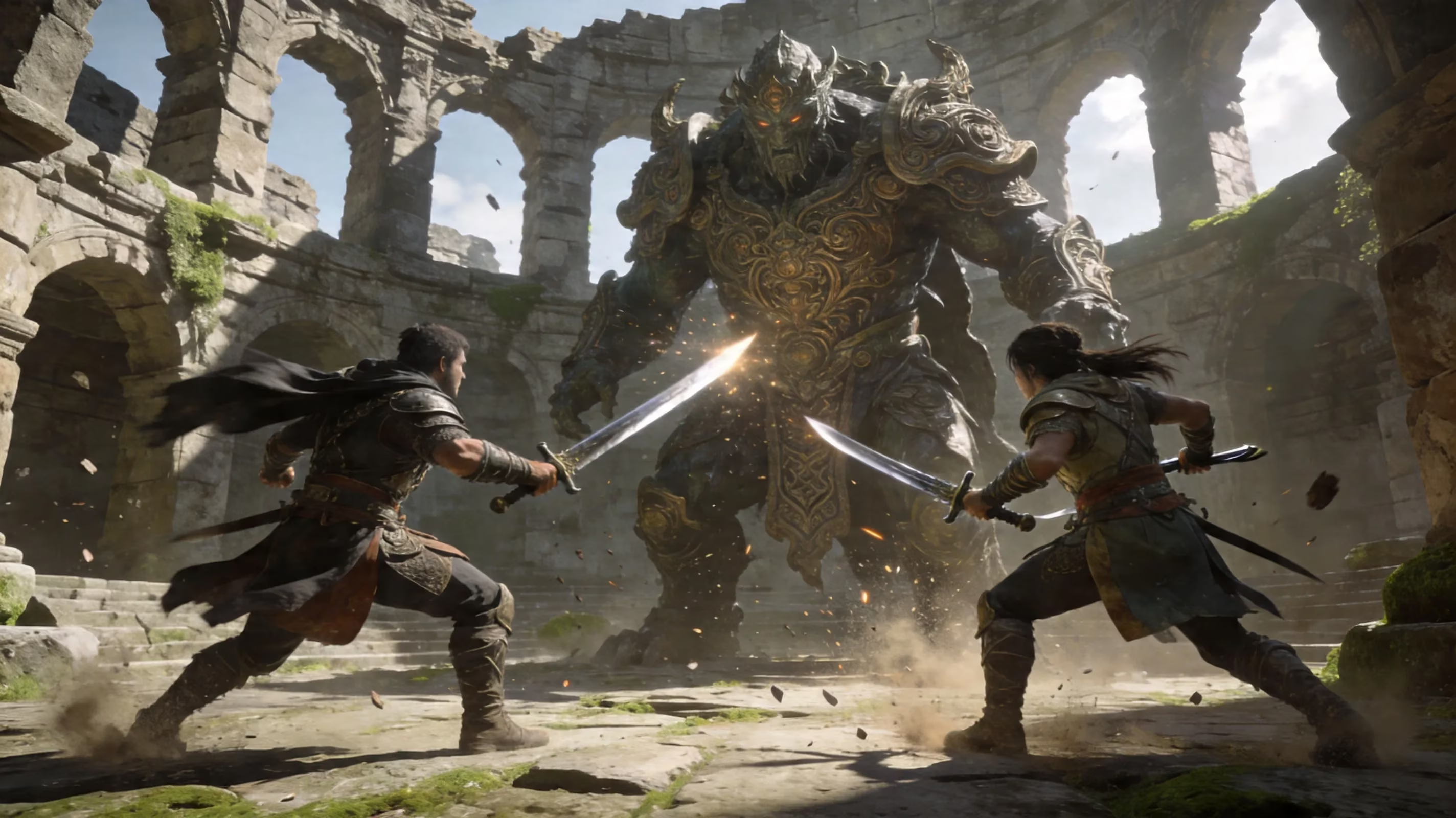
Most repeatable endgame content works well in co-op. Weekly bosses are one of the best examples, since they drop important Resonator ascension materials and certain high-value Echoes. Running them with a partner can cut clear times pretty dramatically, especially if one or both players have strong builds.
Open-world farming is also fully supported. You and your partner can clear enemies across Huanglong, the Black Shores, Rinascita, and the Roya Frostlands while collecting drops and absorbing Echoes as you go. For players grinding Data Bank progress, this is honestly one of the best reasons to use multiplayer at all.
Echo farming gets especially efficient in co-op because both players can absorb Echoes from the same defeated enemy independently. In practice, that means one kill can generate value for both players at once, which is a massive boost for farming routes. Most limited-time events, including challenge-focused content like Endstate Matrix, can also be entered in co-op, though some event-specific modes still force solo participation depending on the patch.
Solo-Only Content
A lot of important content stays locked to solo play, and that part hasn’t really changed across updates. Main story chapters — including Chapter III: Act IV and the Segue: Afterstory questline added in Version 3.2 — must be completed on your own. Kuro Games has been pretty consistent about treating narrative progression as a single-player experience.
The same goes for tutorials, onboarding quests, and many Resonator-specific story missions. Some harder challenge modes are also restricted, especially if they rely on your personal world state or place you in a private instanced dungeon. And if you’re visiting someone else’s world as a guest, your own quest progress is effectively paused until you leave.
How to Play Wuthering Waves Multiplayer
To access multiplayer, you first need to reach Union Level 22. After that, the co-op system opens up through the social menu inside the WavesLine phone interface. From there, you can add friends using their UID, which is the unique number shown on each player’s profile screen. Once the request is accepted, that player appears on your friends list and can be invited directly.
The invite flow is pretty straightforward:
-
Open your friends list.
-
Select the friend you want to play with.
-
Send a world invite.
-
The other player accepts the pop-up request and joins your world.
You can also tweak your world settings so other players are allowed to request entry, which works like a softer open-world access option. Once the guest loads in, they can immediately help with any activity that supports co-op.
If you’re switching between PC, mobile, console, or different launchers, account linking is the part you really don’t want to skip. Every version needs to be tied to the same Kuro Games account if you want proper cross-progression and a unified friends list across platforms.
PC, Mobile, PS5, Xbox
Input method differences don’t create separate matchmaking pools or anything like that. PC players on keyboard and mouse, controller users, mobile players on touch controls, and PS5 users on DualSense all share the same co-op ecosystem. The combat system — with its parries, dodge timing, Intro and Outro chains, and Resonance Liberation windows — works across all of them, although PC players usually have a slight edge when it comes to precision.
Account syncing is basically immediate. If you farm materials during a co-op session on PS5, that progress should already be there when you log in on PC. That part is refreshingly seamless.
Performance can still affect the feel of co-op, though. During Version 3.1, PS5 frame-rate issues were a real complaint in the community, and Version 3.2 added targeted graphical optimizations to improve things. Xbox Series X/S, once it launches in July 2026, will join the same cross-play pool, but players are already watching closely to see how well the Series S version holds up compared to PS5 and higher-end PC setups.
Wuthering Waves Co-op Rules and Limits
Co-op in Wuthering Waves runs on a strict host authority system. The host’s world decides what enemies are alive, which gathering nodes are available, and what exploration elements can be interacted with. Guests can’t change the host’s world progression, open the host’s treasure chests, or trigger quest cutscenes and dialogue tied to the host’s active story state.
Rewards, on the other hand, are handled individually. Each player gets their own drops from defeated enemies, and Echo absorption is not split between the two players. If an enemy drops something relevant, both players can benefit from that kill on their own account. Weekly boss rewards still use each player’s personal claim count, though, so clearing a boss in co-op consumes your own weekly reward opportunity just like it would in solo play.
There’s also progression gating on the guest side. If your Union Level or SOL3 Phase doesn’t meet the requirement for a certain activity, you usually can’t bypass that just by joining a stronger host. So while co-op is great for speeding things up, it won’t let brand-new accounts skip core progression walls.
What Progress Carries
Your character progression carries over normally. Any Resonator EXP materials, Forte materials, Ascension resources, Shell Credits, or common crafting drops you personally collect in co-op stay on your account permanently. The same is true for Echo absorptions — they count toward your own Data Bank and your own Echo collection, not the host’s.
What does not carry over is world progress. If you haven’t unlocked a waypoint in your own world, visiting a friend who already has it unlocked won’t fix that. If you haven’t cleared a story checkpoint on your own account, helping someone else in their world won’t mark it complete for you either.
That’s especially important for newer players getting help from veteran friends. You can absolutely get carried through fights and farm useful materials faster, but exploration completion and quest flags remain tied to the host’s world only.
What Players Cannot Do
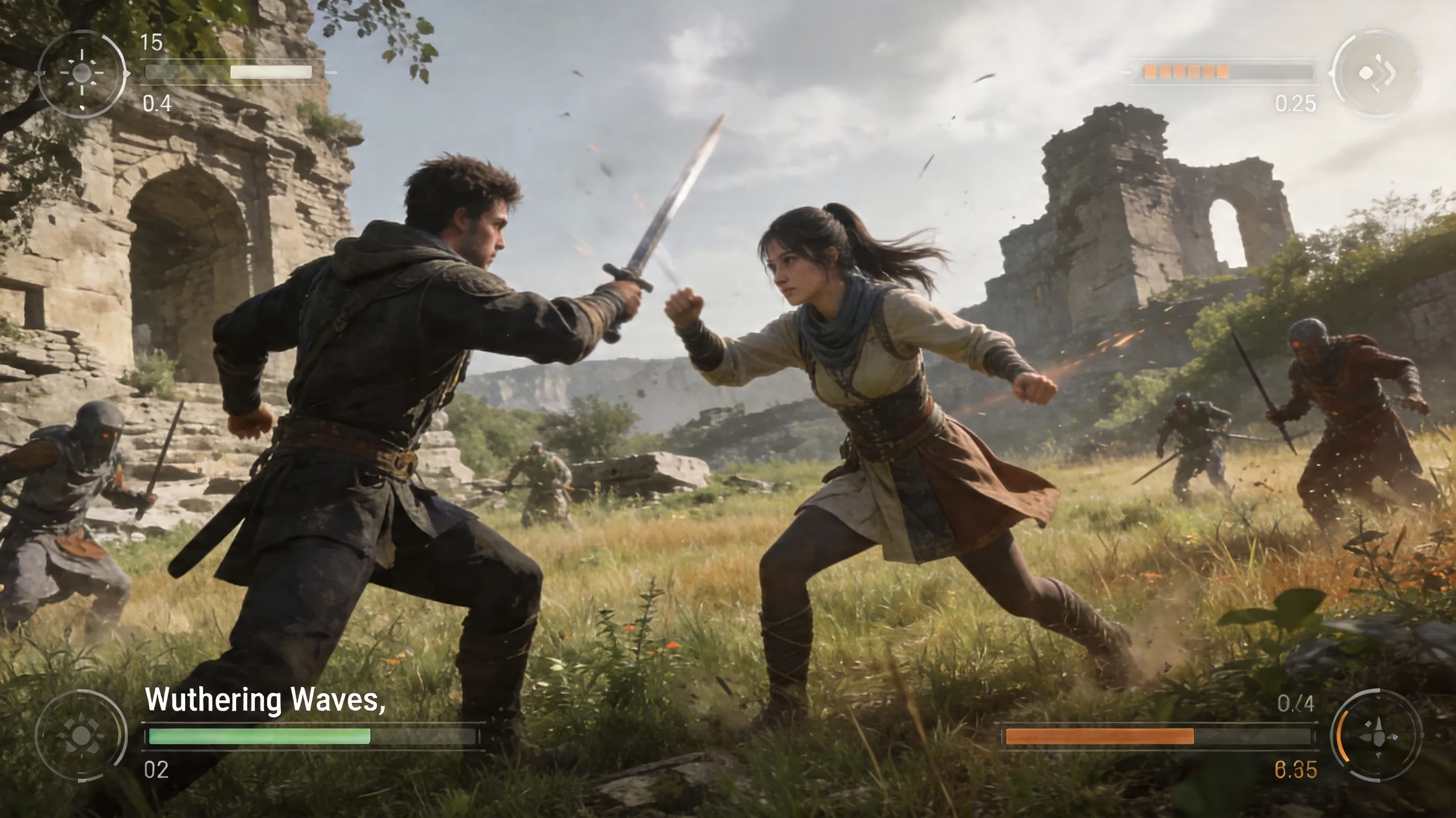
There are a few hard restrictions guests should expect. Main story cutscenes and dialogue cannot be triggered while you’re in another player’s world, so story progression is basically on hold during the session. Some menu systems are also unavailable, including the Convene (gacha) screen and certain settings or configuration options.
A number of challenge instances are blocked as well, especially those tied to your own world flags or personal completion state. Some Forgery Challenges and similar domain-style content can require you to return to your own world before specific rewards or progress conditions apply. And, just as importantly, the game’s social and matchmaking systems — including Tacet Field co-op matchmaking — only work inside the same region. Cross-region multiplayer simply isn’t possible unless you make a separate account on that server.
Best Ways to Use Wuthering Waves Multiplayer
If you want the most value out of Wuthering Waves multiplayer, use it where it saves the most time. Weekly bosses are easily one of the best co-op use cases. Fights like Scar or Bell-Borne Geochelone can drag in solo if your roster isn’t fully optimized, but a coordinated two-player setup makes those encounters much faster and safer, especially when one player brings a heavy hitter like Jinhsi or Xiangli Yao.
Echo farming routes are another huge win. Since both players can absorb their own Echo drops from the same enemy kill, the efficiency is way higher than solo farming. If you're targeting specific sets like Moonlit Clouds or Void Thunder, it makes sense to run dense spawn routes together and even alternate host worlds so both accounts keep progressing at a strong pace.
For early-game accounts, co-op is also great for carry runs. A veteran friend can join a lower-level host world with fully built Resonators and help clear overworld Elite enemies that would otherwise take forever. That can make ascension material farming much smoother, even if it doesn’t let you skip locked domain requirements.
You can also use co-op for material grinding in Forgery Challenge domains. One player hosts, both players clear, and both get their own reward drops. If you rotate sessions and spend Waveplate efficiently, both accounts can farm the same materials without wasting time waiting on separate solo clears.
Conclusion
So, is Wuthering Waves multiplayer? Definitely yes — but it’s multiplayer in a very specific, limited way. The game offers a solid two-player co-op system that’s genuinely useful for weekly bosses, Echo farming, exploration, and material grinding, while the main story, major quest progression, and several challenge types remain firmly solo-only.
That setup actually works pretty well once you know what to expect. If you treat co-op as a farming and efficiency tool rather than the heart of the game, it’s absolutely worth using. And if you want the smoothest possible experience, make sure your accounts are linked properly and, more importantly, that your friends all choose the same server region before they start.